Lark Manages My Team's Productivity Better Than Google Workspace by 55%
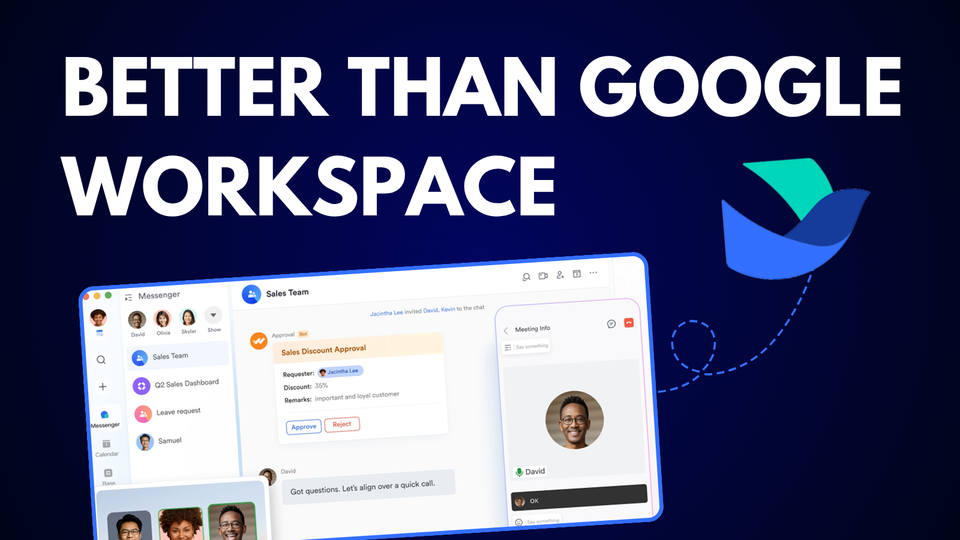
If your team is bouncing between apps like WhatsApp, Slack, Notion, Zoom, business email and calendar, let me suggest this super-productive tool called Lark Suite
They are my Google Workspace alternative.
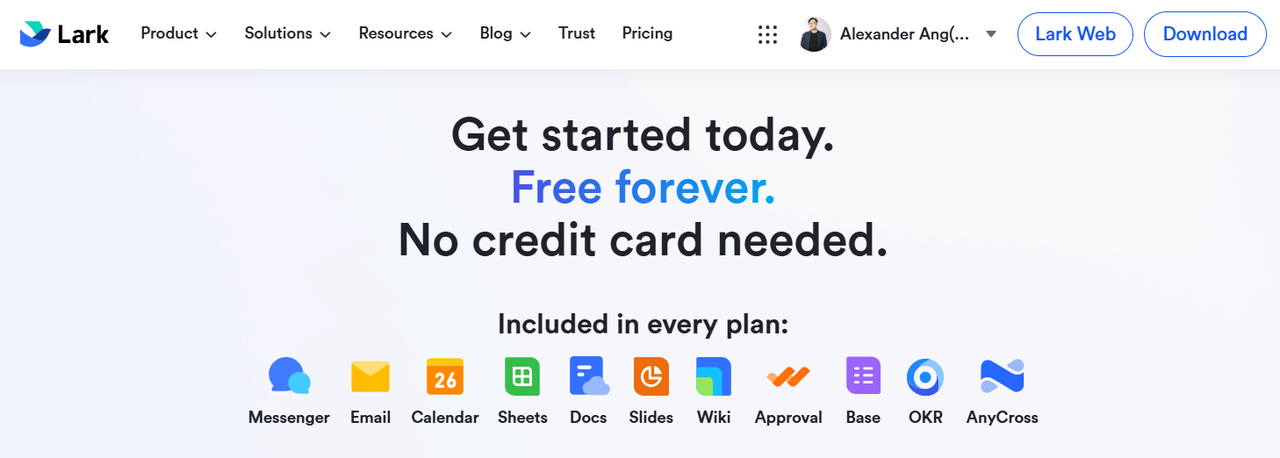
1. All-in-One Workspace
2. 7.5x More Storage for Free
3. Custom Operations Dashboards
4. Centralized SOPs (Wiki)
5. Seamless Task & Knowledge Management
6. Access 24/7 Live Chat support
7. Backed by a Global Community
The Challenge
My team and I have been using Google Workspace, WhatsApp, Microsoft Office and Trello for over 4 years, and all of us are struggling with things like
- Scattered communication between the apps. We need a more unified chat for our professional and official work.
- Fragmented tools. Too many separate apps (like WhatsApp, Google Docs, CRM, database management, and many more) make the integration difficult.
- Limited Google Drive storage. Google Drive has very limited 2TB storage space, even with the paid version, compared to Lark, which gives 15 TB of storage for the same amount that you paid.
How Lark Can Help Small Businesses?
Here are more ideas of why we're using Lark to supercharge our team's productivity by streamlining all the processes in just one app.
- Cheaper alternatives compared to Microsoft 365 and Google Workspace.
- Easy to access Live support 24/7 (Even if you're on the free plan)
- Streamline your CRM, HR, finance, admin and operational workflow. Lark is all you need.
- You get 7.5x more storage at a lower price.
- Strong company background (Owned by Bytedance)
8 Simple ideas to improve the team's productivity and save costs with Lark
1. Start with a free plan
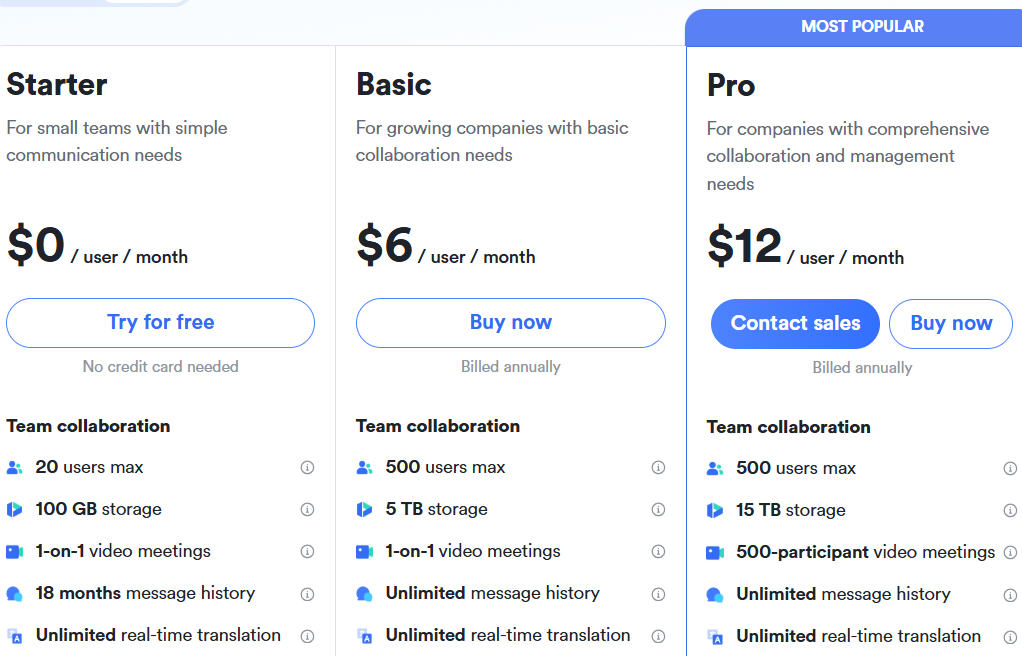
First, you get a generous 100 GB of storage with the free plan.
It's better than Google's free Gmail plan, with only 15 GB.
2. Create your organisation
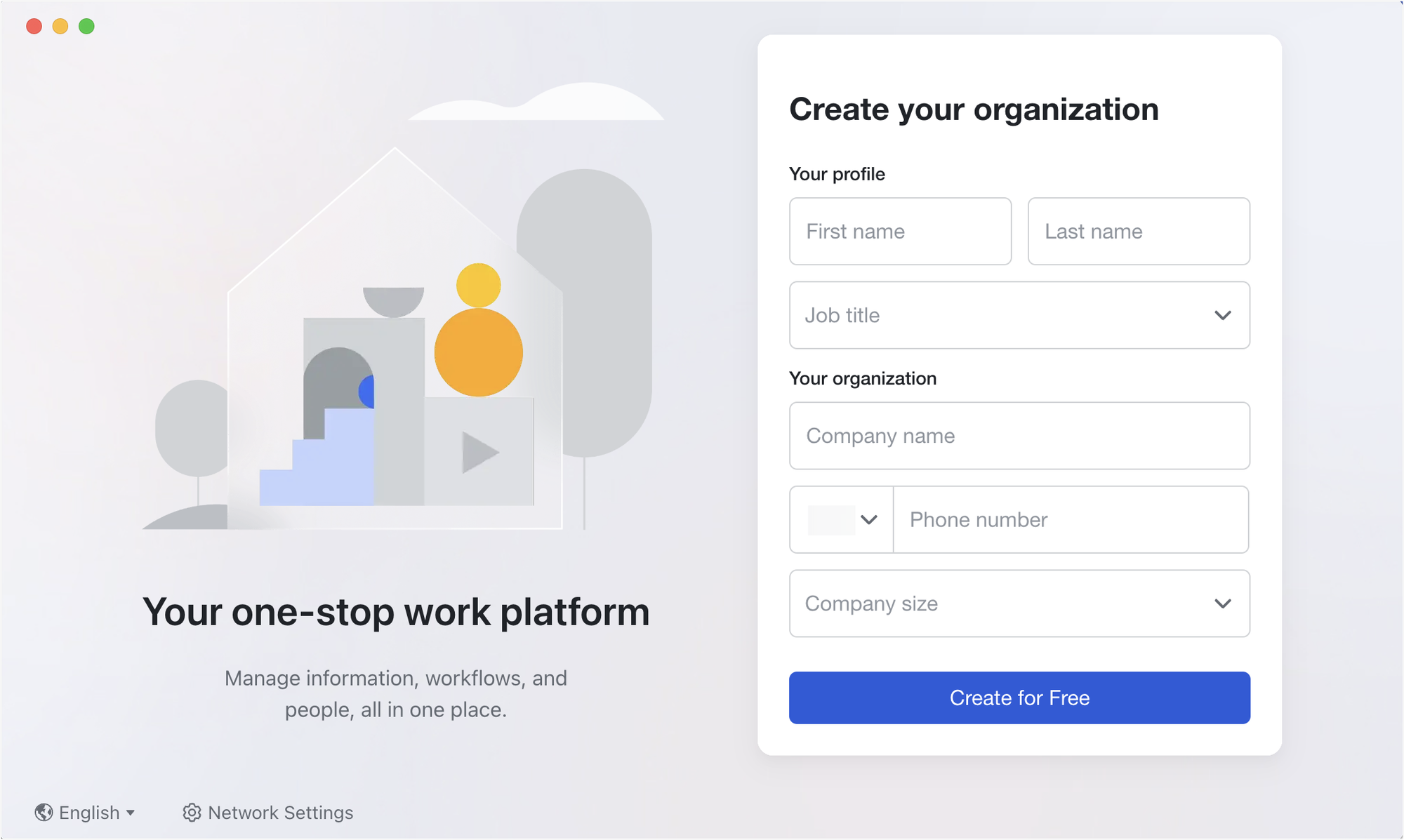
Next, create an organisation and invite teammates to join and collaborate.
No more mixing random friends, family and work group chats on WhatsApp or Telegram, or bouncing between Google and orith Slack.
All the work, tasks, folders, email, and calendar will stay within the organisation. Keep things focused, not distracted.
3. Manage and Keep Track of All Your Company's Work
This is a game-changer for me.
You know the frustration of constantly needing to follow up on your team’s progress and check in for updates when the deadline is ticking?
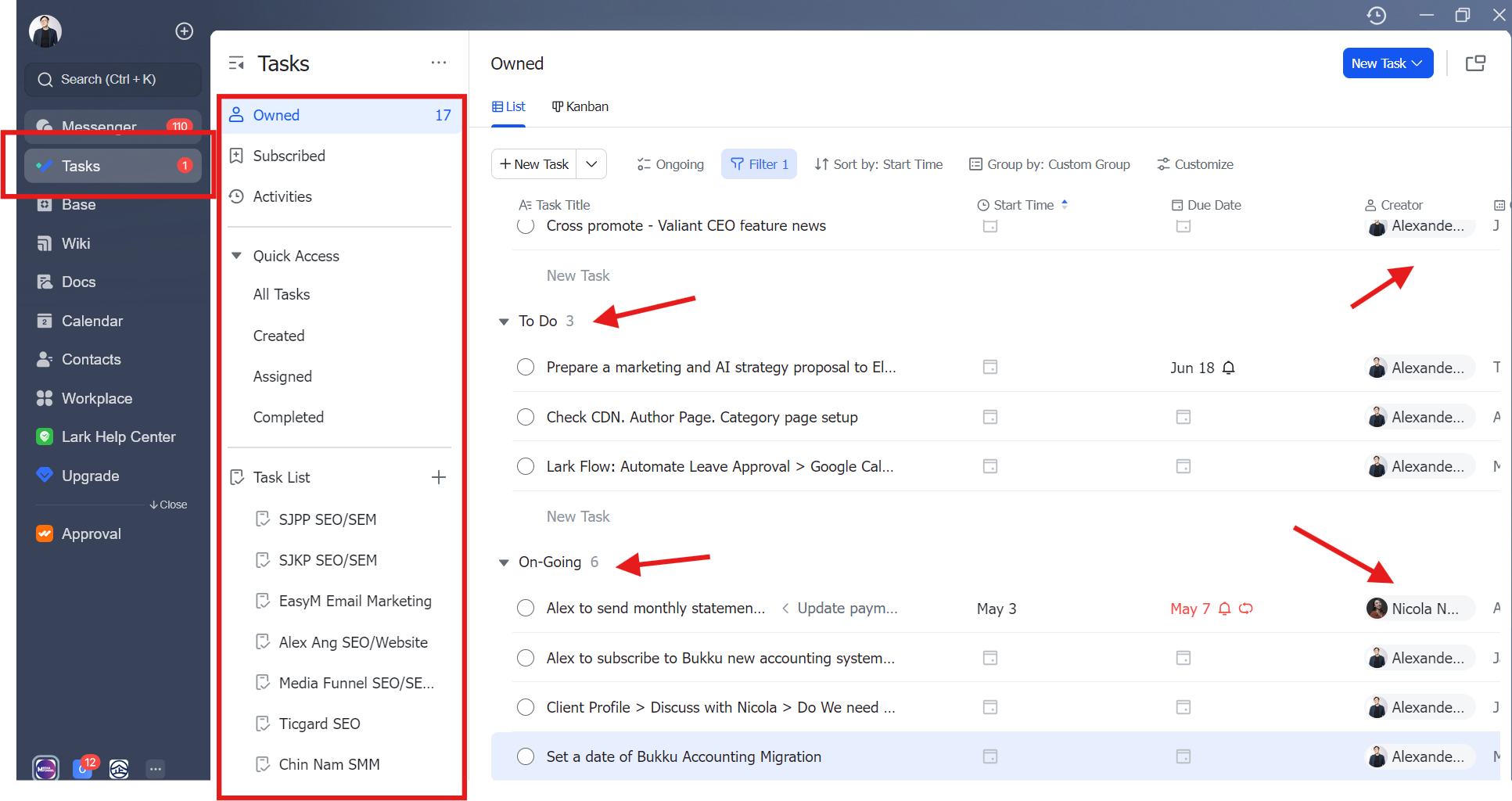
This “Task Management” solves all that with a number of cool features.
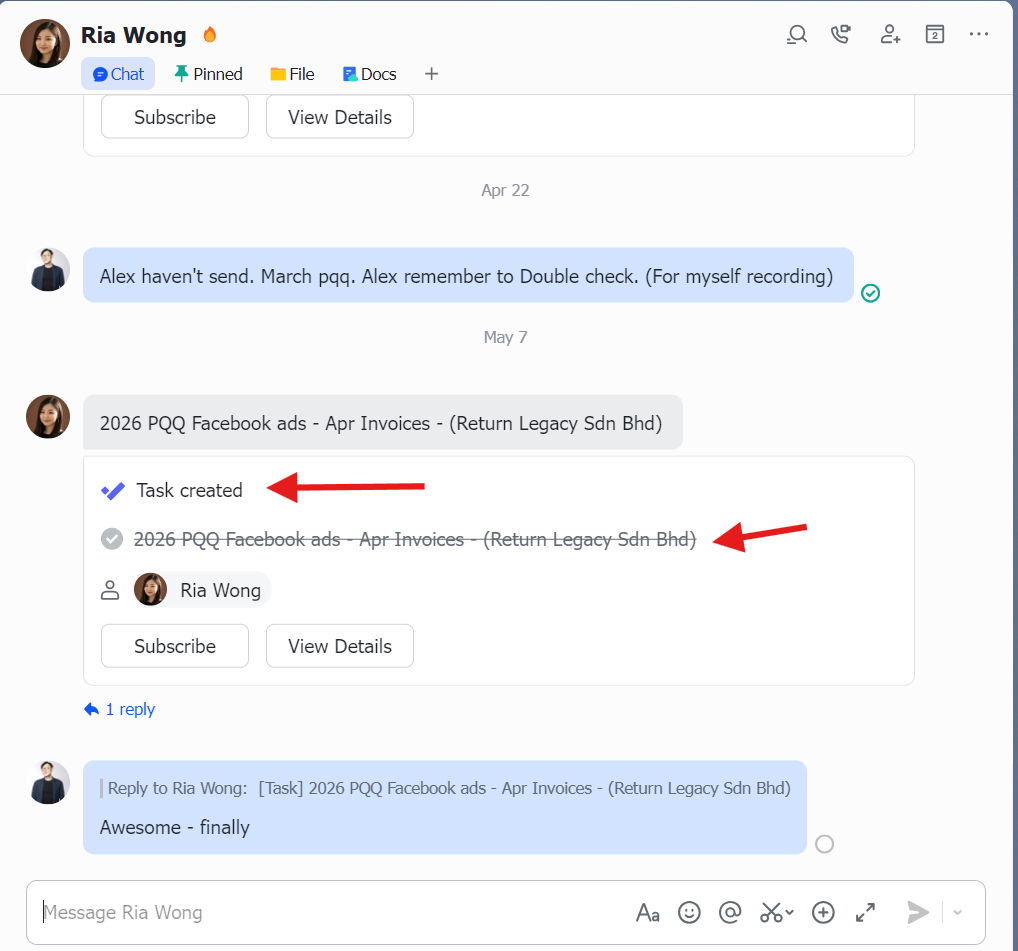
I can get my team to create tasks directly in the chat.
I can add myself as a subscriber to monitor the progress of tasks or projects, like a project manager role, to oversee everything.
When they’re done, or the deadline is due, I would get notifications directly in the dashboard, without needing to scroll or search again to find where I left off.
4. Make full use of the 24/7 Live Chat
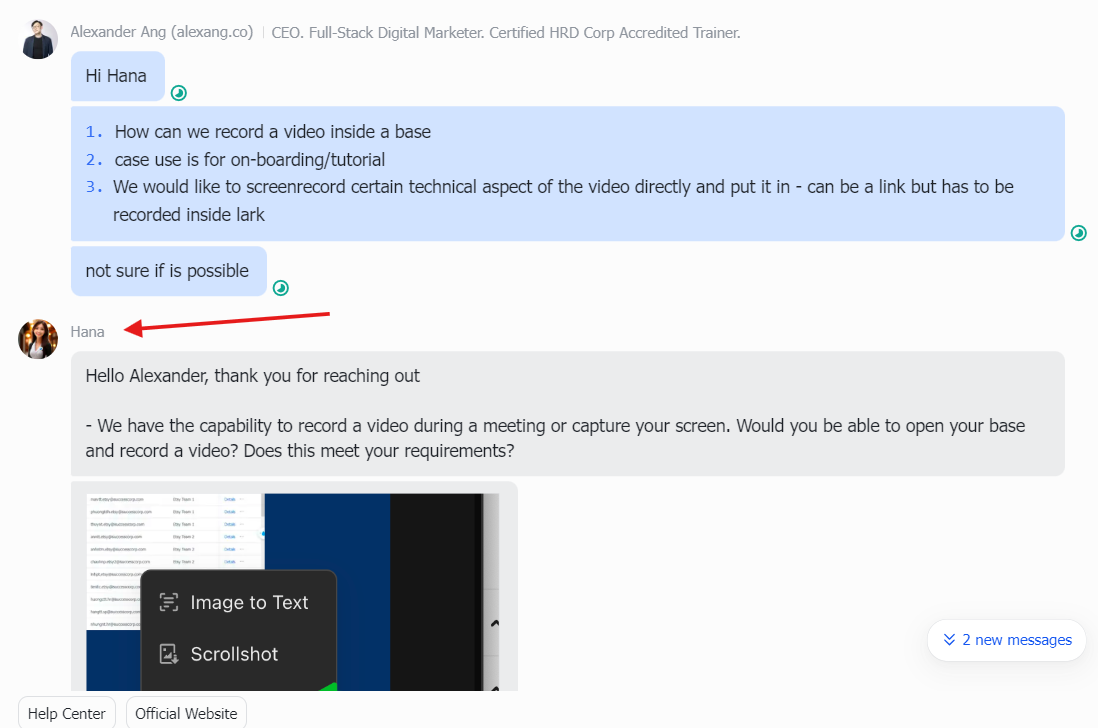
Who do you contact when you have an issue with Google Workspace?
Instead of clicking around, finding support emails, or going to the pre-sale live chat to get help, it's just not practical at all.
Yes, it’s not a paid feature; anyone with a free account can access the live chat to learn, build, and troubleshoot with the customer service support team.
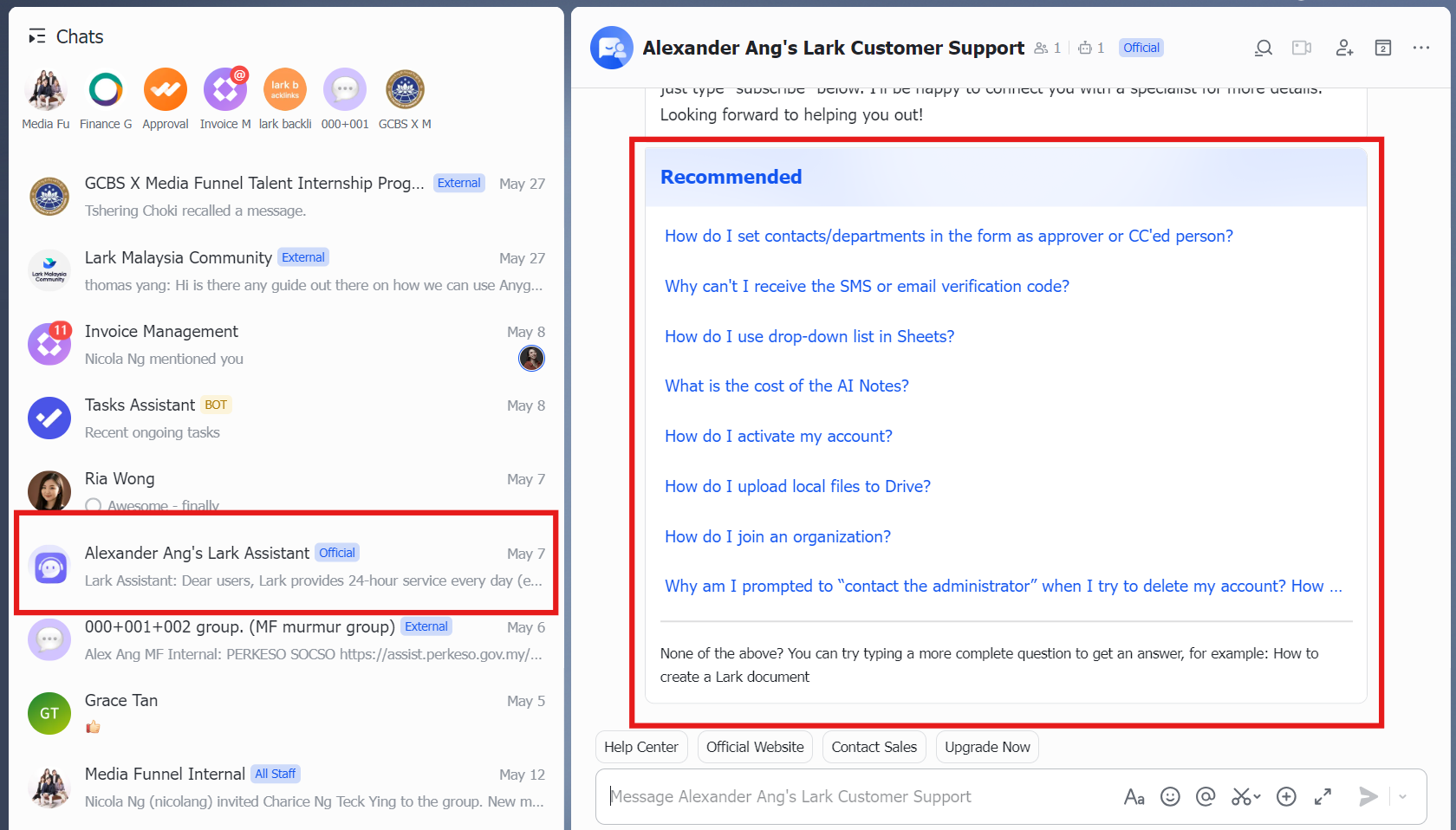
This level of support is not common for software companies: either you pay for support, ask for help in the community, or you have to read through 1,000-word-long, do-it-yourself troubleshooting articles.
That is absolutely a time waster. But it’s not for Lark.
Their customer service operates 24/7, serving international clients, and time zone will never be an issue.
5. Connect with All The Apps You Need
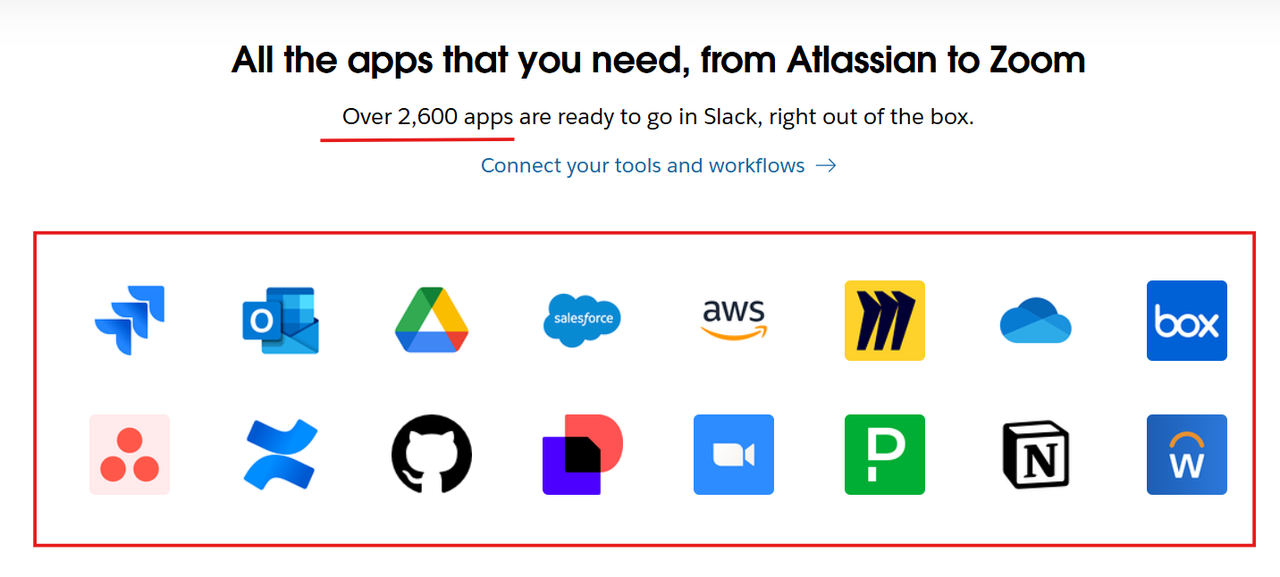
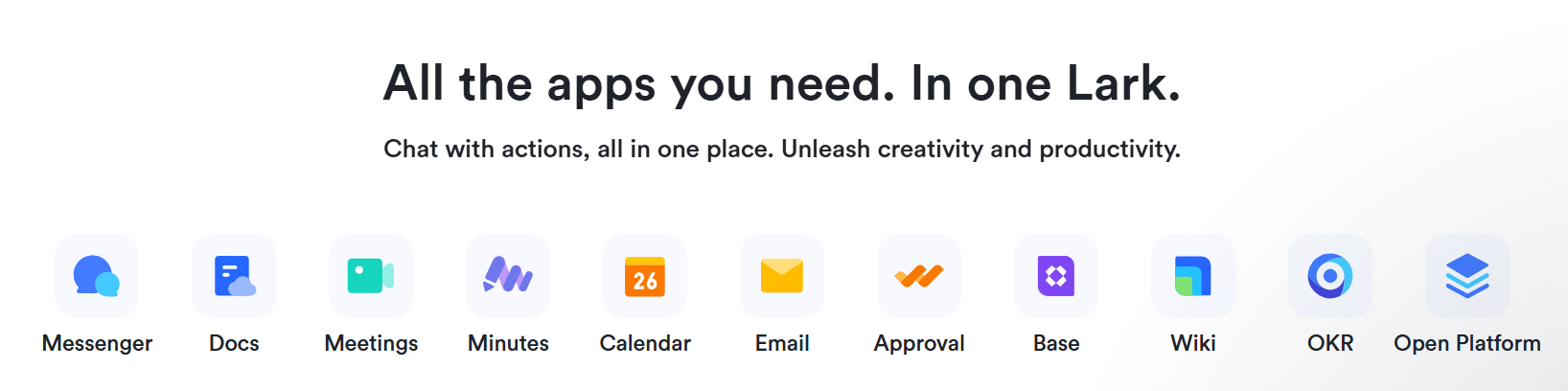
Of course, Lark can integrate with over 2,600 of your favourite apps and tools to help you work more smoothly and seamlessly.
Best for companies that are used to other third-party apps.
The only thing you need to do is familiarise yourself with the flow of connecting them, so you can build things like automation, which can get a little overwhelming sometimes.
6. Build Your Own Finance, HR and Revenue Dashboard
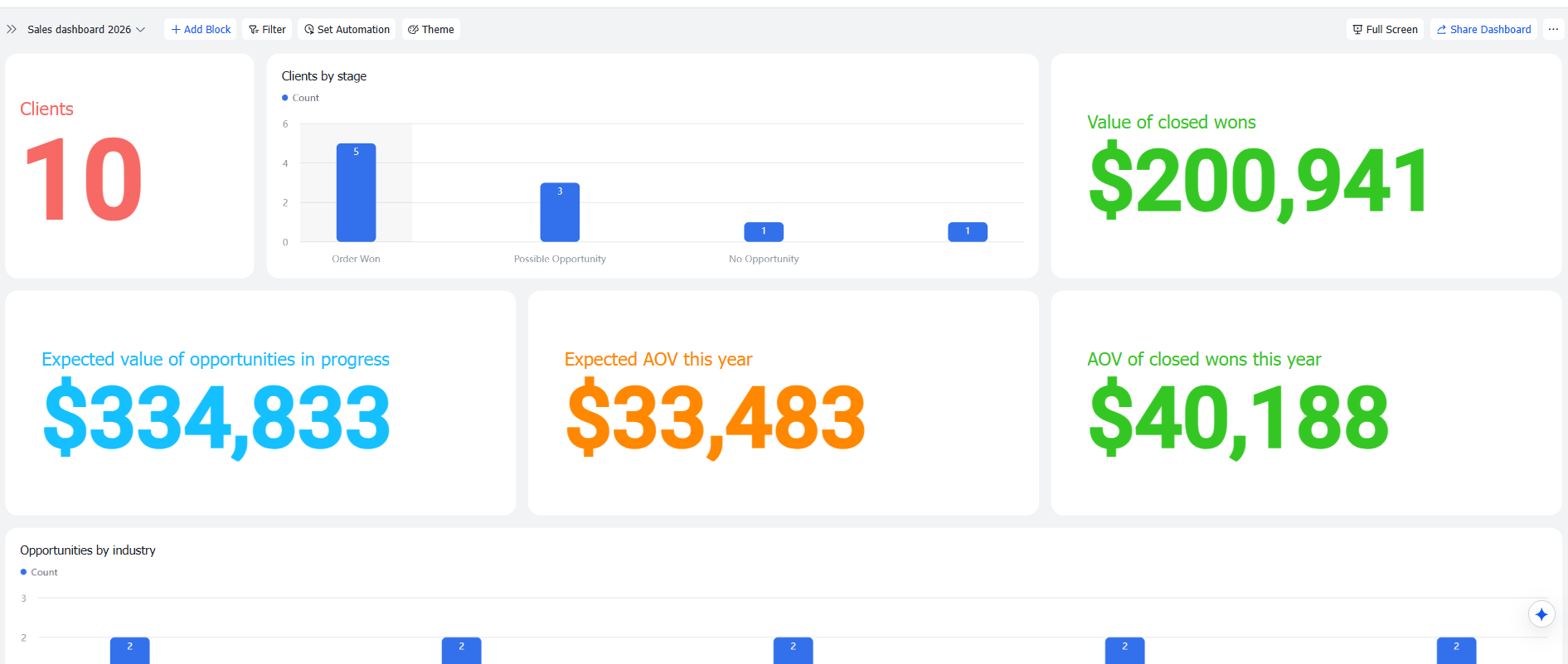
Yes, that’s what we do for our own organisation.
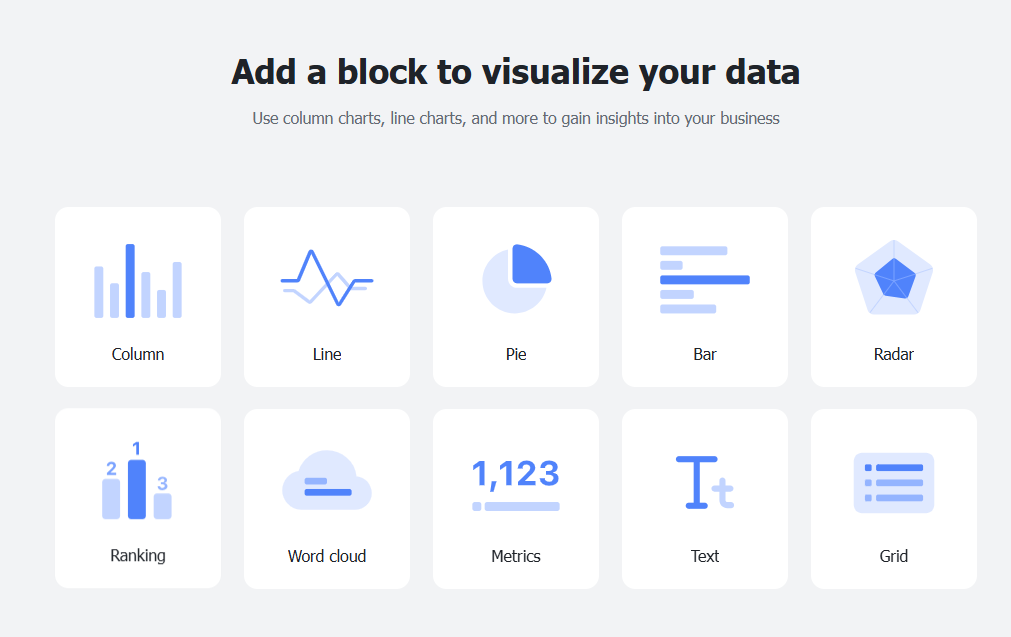
You can skip subscribing to multiple tools and then spending time integrating them.
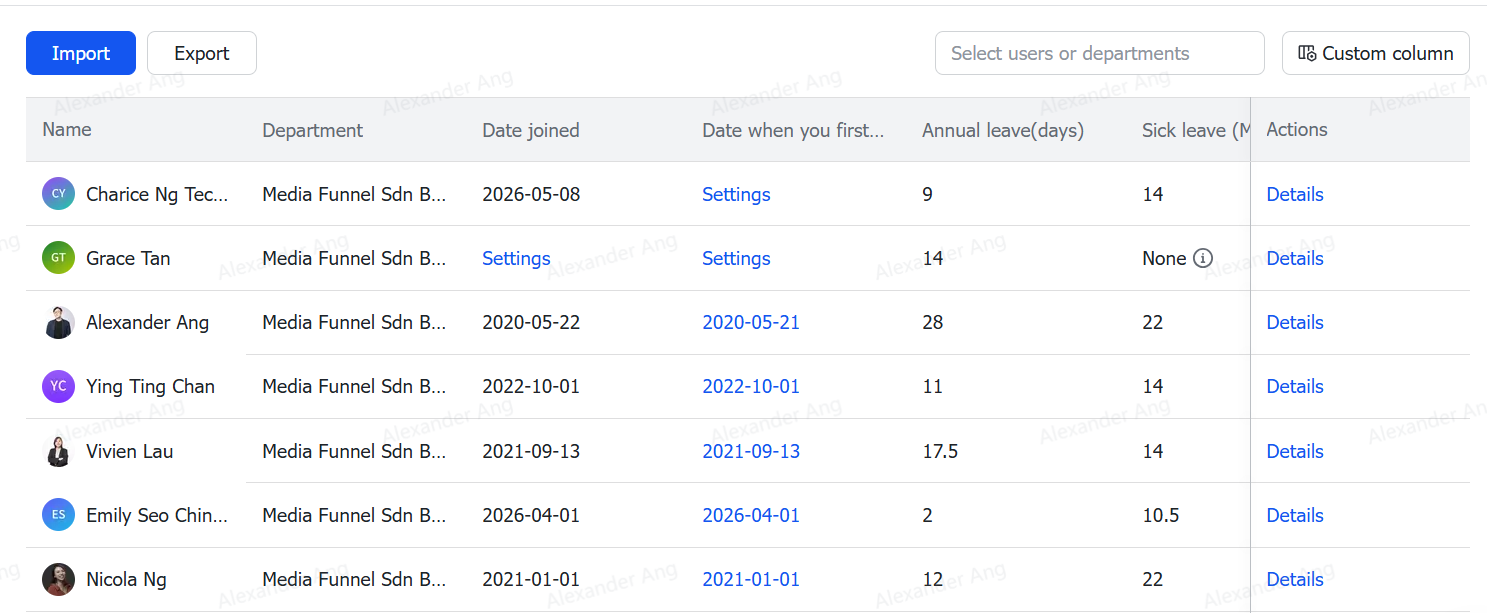
From setting leave forms to visualising the attendance report and employees' work schedules, you can build it however you want in Lark.
Did I mention?
This feature is available to all Lark users, even those on the free plan.
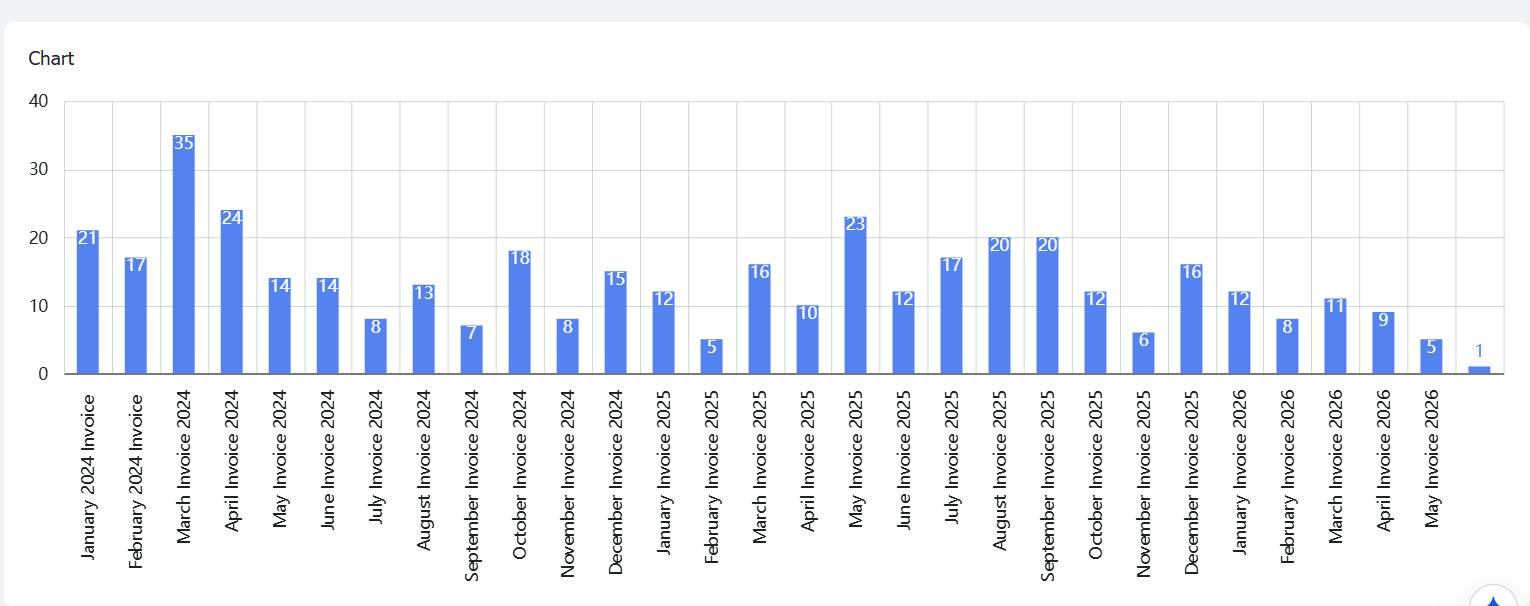
We also use it to monitor the number of invoices created by the company, down to the individual level (if you’d like), and everything is stored securely within the organisation.
Making it easy for managers and management to see the big picture at a glance.
7. Consolidate All Your SOPs, Processes & Flows
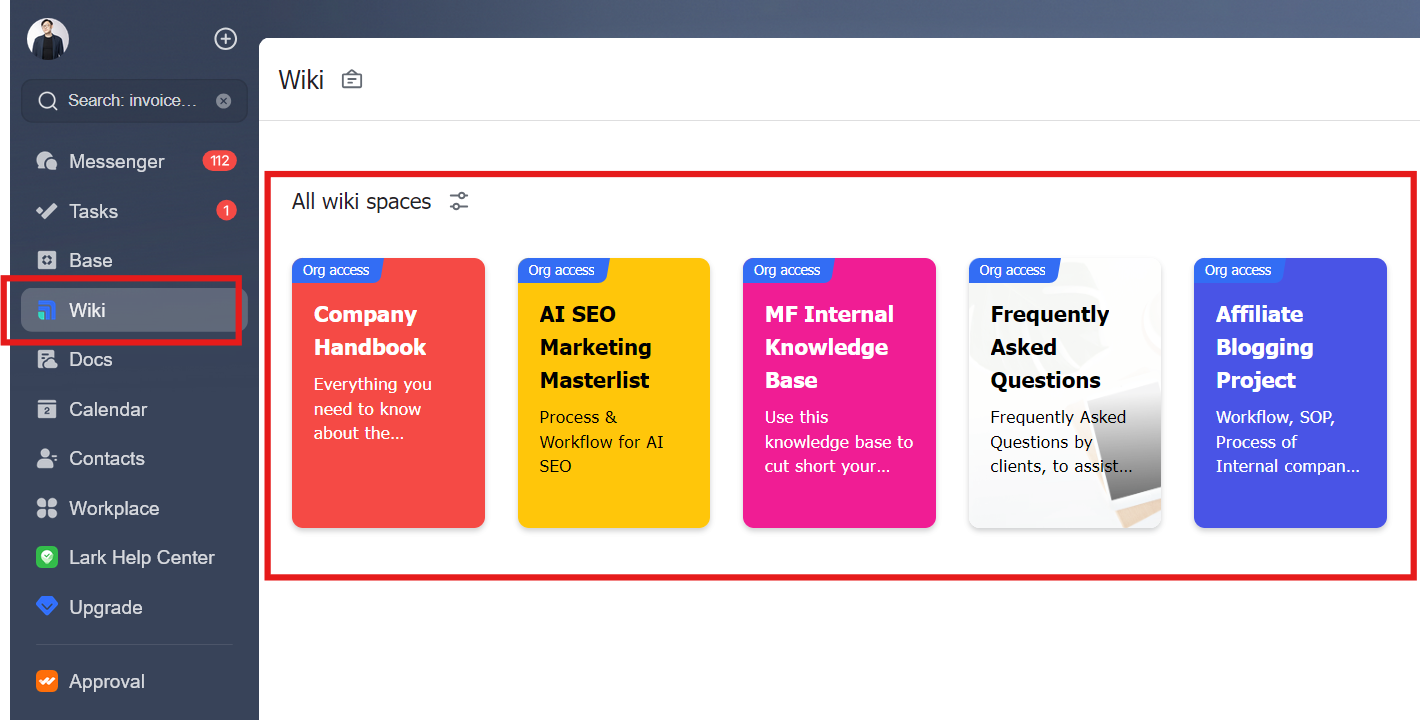
Wiki is like a knowledge-based centre.
Basically, I create, manage and organise all my company's essential skills, SOPs, and processes in one place, which can be link from one to another.
This makes knowledge retrieval and onboarding sessions easier and smoother, without bogging down the senior team's time over the long run.
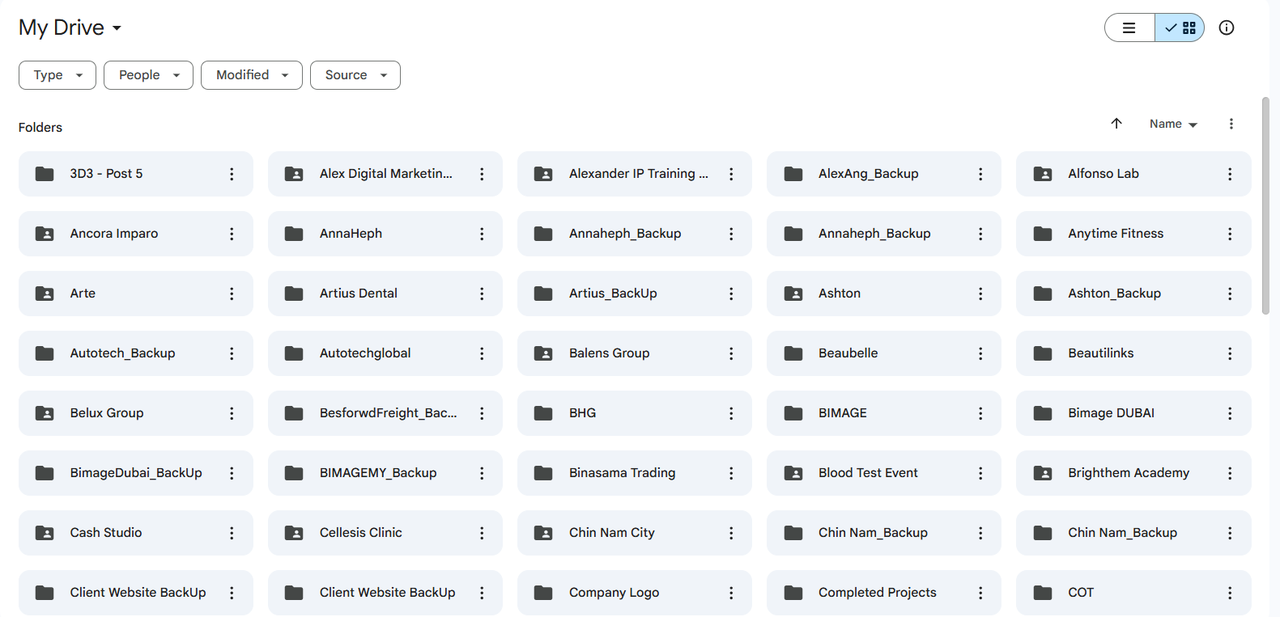
Google Workspace mixes all folders together (Docs, Sheets, Slides, Images, Videos), making it very difficult to sort, track and search.
This has always been a major source of frustration for my team's performance. Everything takes longer to find, sort and organise.
Now, no more sifting through messy Google folders or endless Google Docs, the information in our Lark above is centralized and easily accessible.
8. Vibrant Community That Makes You're Not Alone
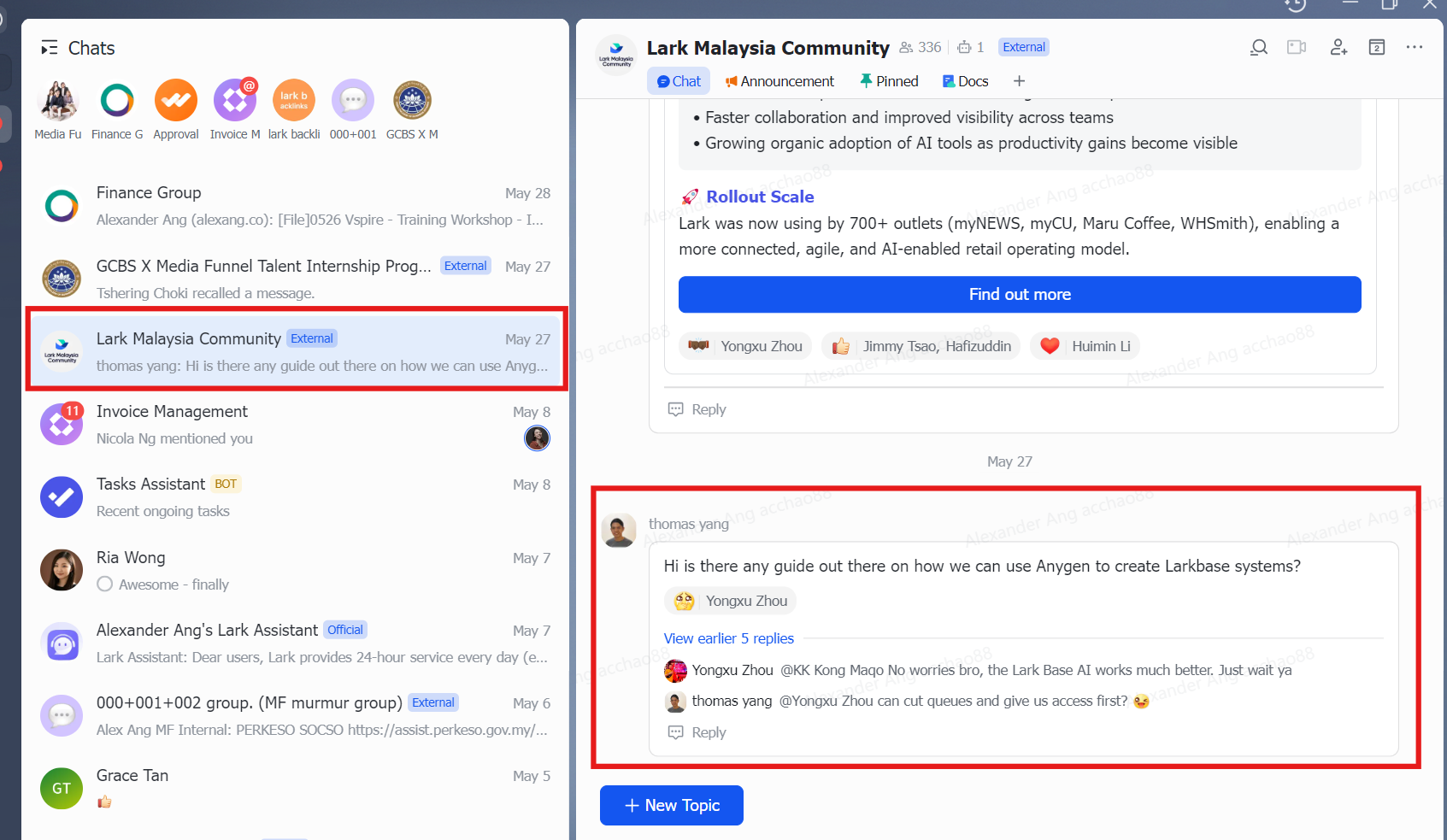
You can see the community is very active, helping each other with their questions and challenges.
Often, they will have casual coffee sessions or both online and in-person workshops that bring everyone together to share and support each other.
Invited speakers are usually from publicly listed or multinational companies, with directors and CEOs sharing how they use this tool to manage company workflows and operations across sales, operations, finance, HR, and marketing.
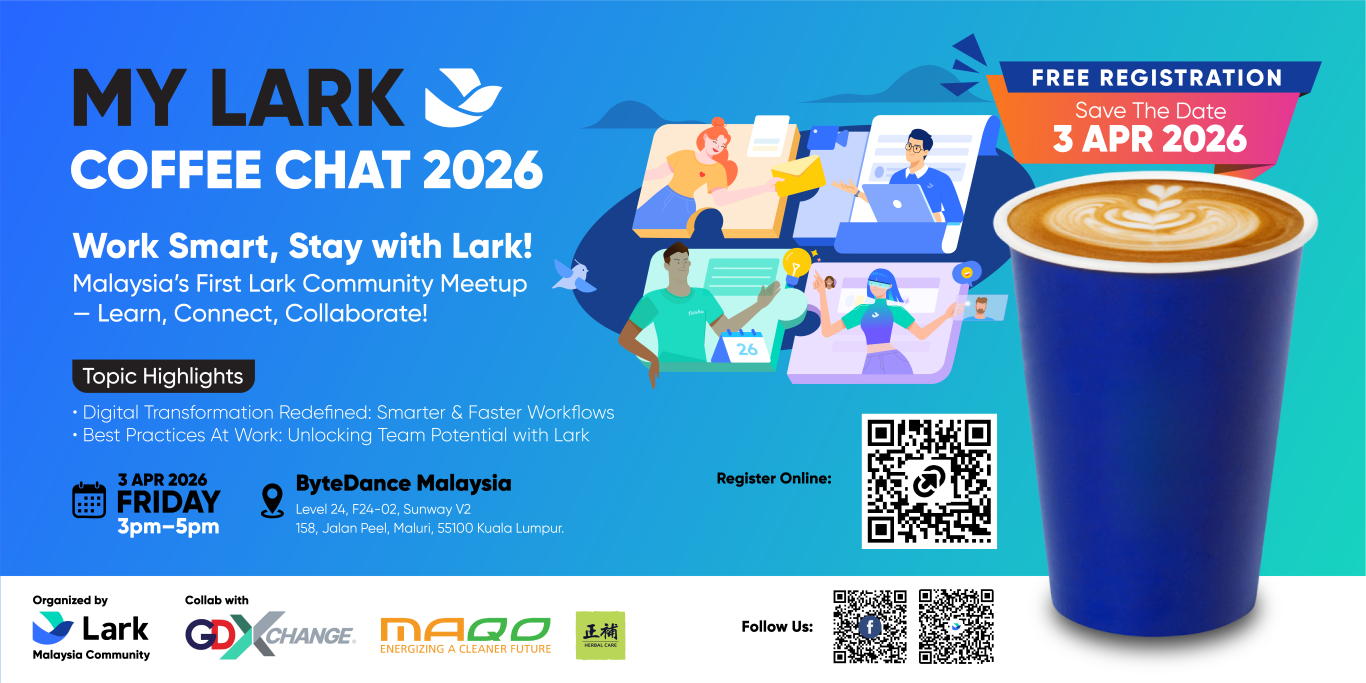
When you have a closed-group community to connect with, everything about learning and maximising the use of the tools becomes so much easier, in my opinion.
Summary
The parent company behind Lark is ByteDance.
Growing, managing, and scaling a company are interconnected yet distinct in their tool stacks and workflows.
And my above use cases are only the tip of the iceberg.
If big brands around the world are using them to scale their operations, systems, and workflows…
Shouldn’t a company with a smaller team start exploring how this scaling can help us, too?
Member discussion